Step 1
Choose a clean anchor image
Use high-clarity source images with one dominant subject so motion instructions are easier for the model to follow.
Login to generate and view your high-quality AI videos.
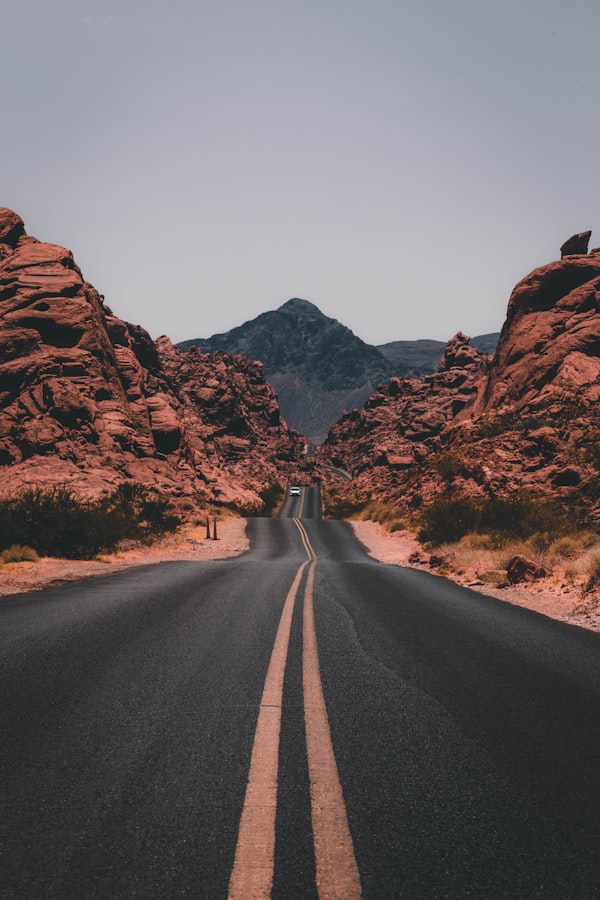
Cinematic Portrait
Subtle camera dolly-in, soft light shift, gentle hair movement, shallow depth of field
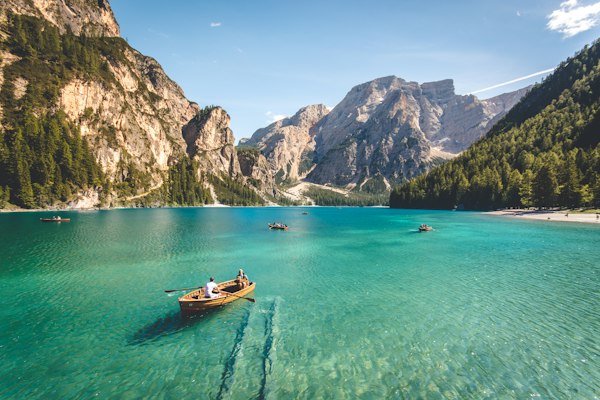
Landscape Motion
Slow drone pullback revealing the valley, clouds drifting, golden morning light
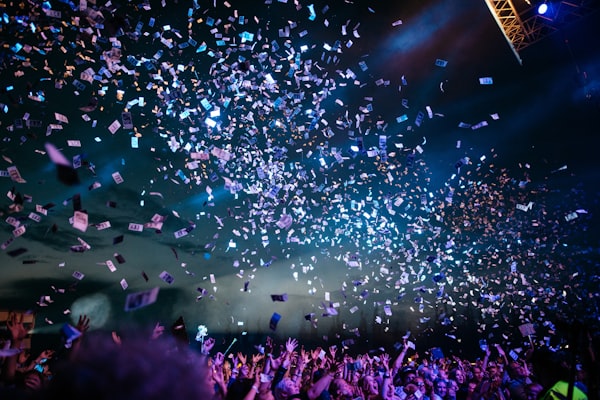
Product Reveal
Studio turntable rotation, soft spotlight sweep, floating dust particles
Step 1
Use high-clarity source images with one dominant subject so motion instructions are easier for the model to follow.
Step 2
Focus the prompt on movement, camera behavior, and atmosphere instead of re-describing the entire subject from scratch.
Step 3
Begin with restrained motion to preserve composition, then iterate toward stronger movement if needed.
Step 4
Once you find stable settings, save them with prompt variants so teammates can create matched clips faster.
Use a sharp image with clear subject separation and strong lighting. Cluttered scenes make motion control less predictable.
Keep prompts concise, avoid conflicting direction, and use gentle camera or subject motion first before adding complexity.
Choose image to video when visual identity matters, such as product, character, or branded scene continuity across multiple clips.
Yes. Set 9:16 for Shorts, Reels, and TikTok, then adjust motion pacing so the main subject stays readable in narrow framing.